

What is
Mesh WiFi?
And why it fixes the rooms your router can't reach.
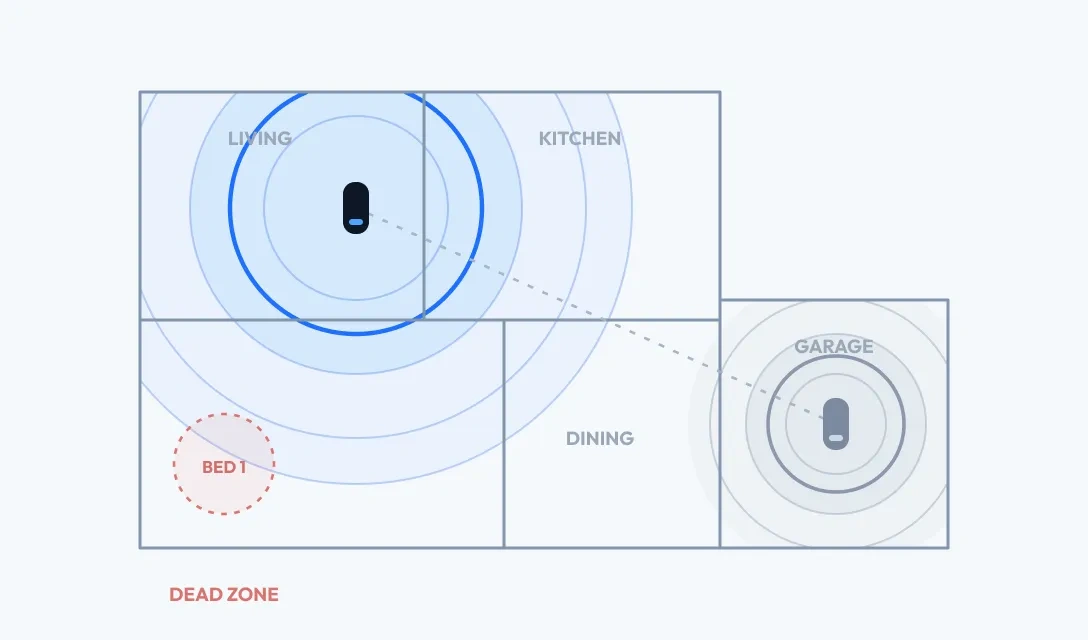
Traditional routers concentrate WiFi from one location, so it fades with distance and walls. Mesh WiFi uses multiple devices working together to deliver stronger, more consistent, more reliable coverage throughout your home.
Not sure what size system you need? We'll help you choose.
One WiFi network. Smarter coverage everywhere.
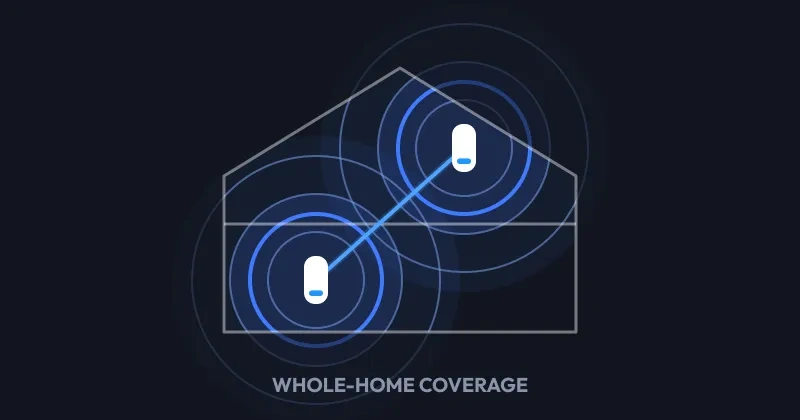
Mesh systems use a primary router and additional nodes, or satellites, that work together as a single WiFi network. By extending coverage throughout your home, they help reduce dead zones and keep devices connected as you move from room to room.
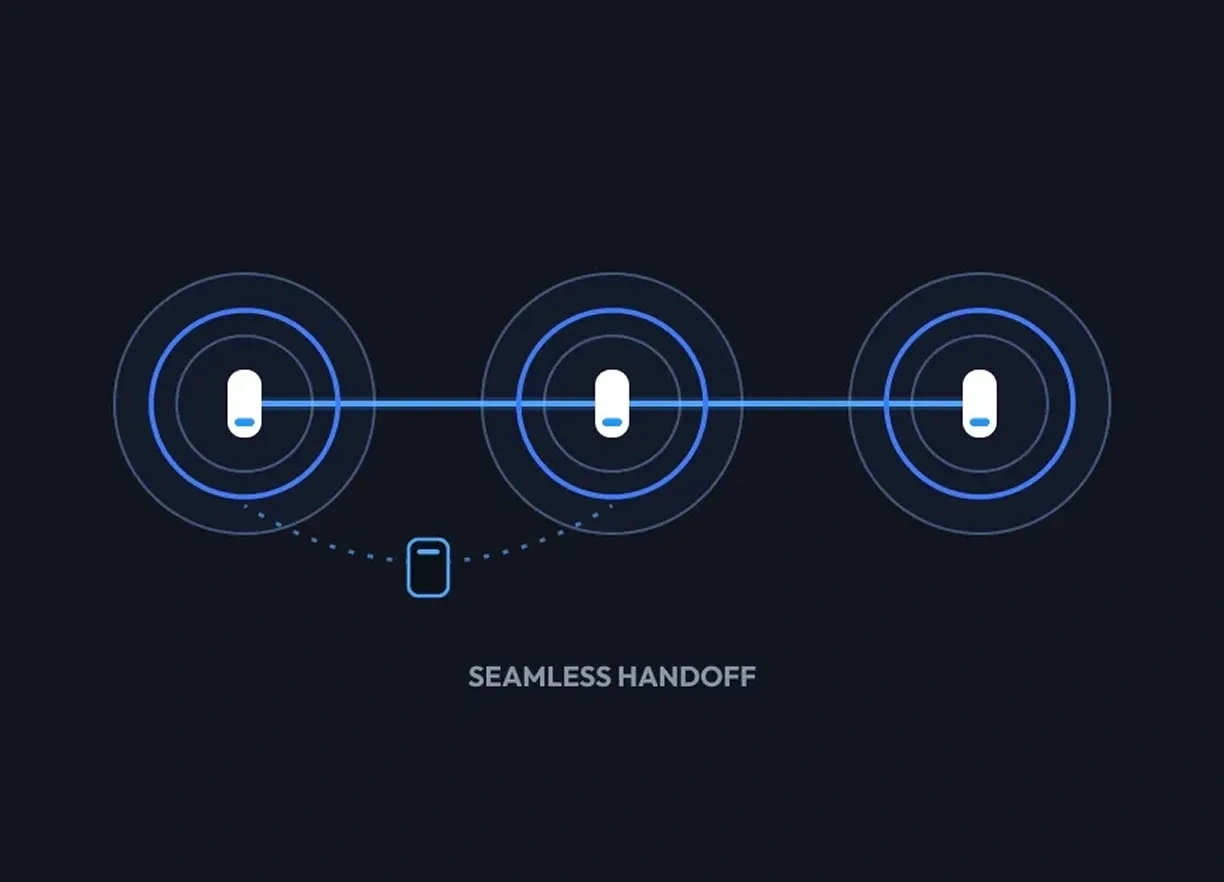
Move room to room without disconnecting
Your devices stay on the same WiFi network as you move throughout your home - no manually switching networks.
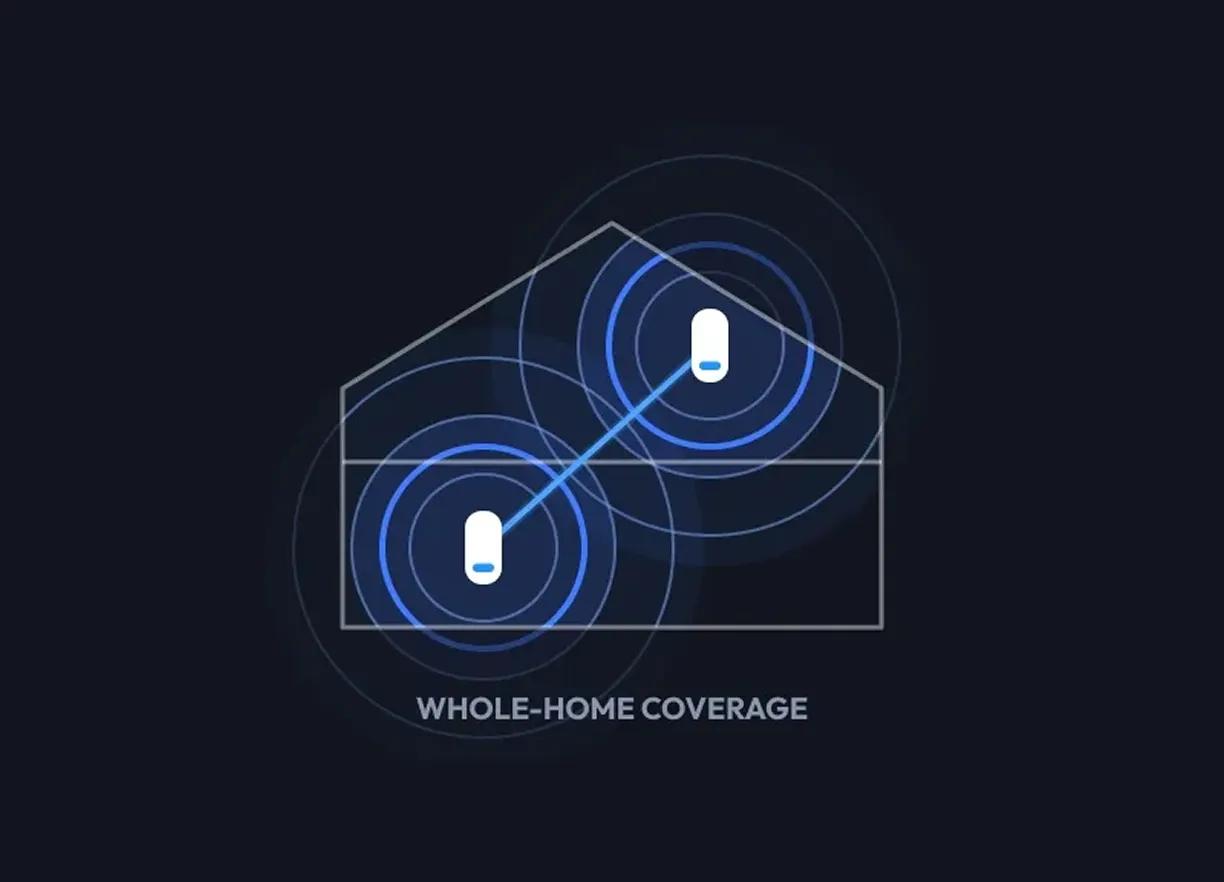
Strong signal in hard-to-reach areas
Satellites push WiFi upstairs, into the basement, and out past the rooms a single router can't reach.
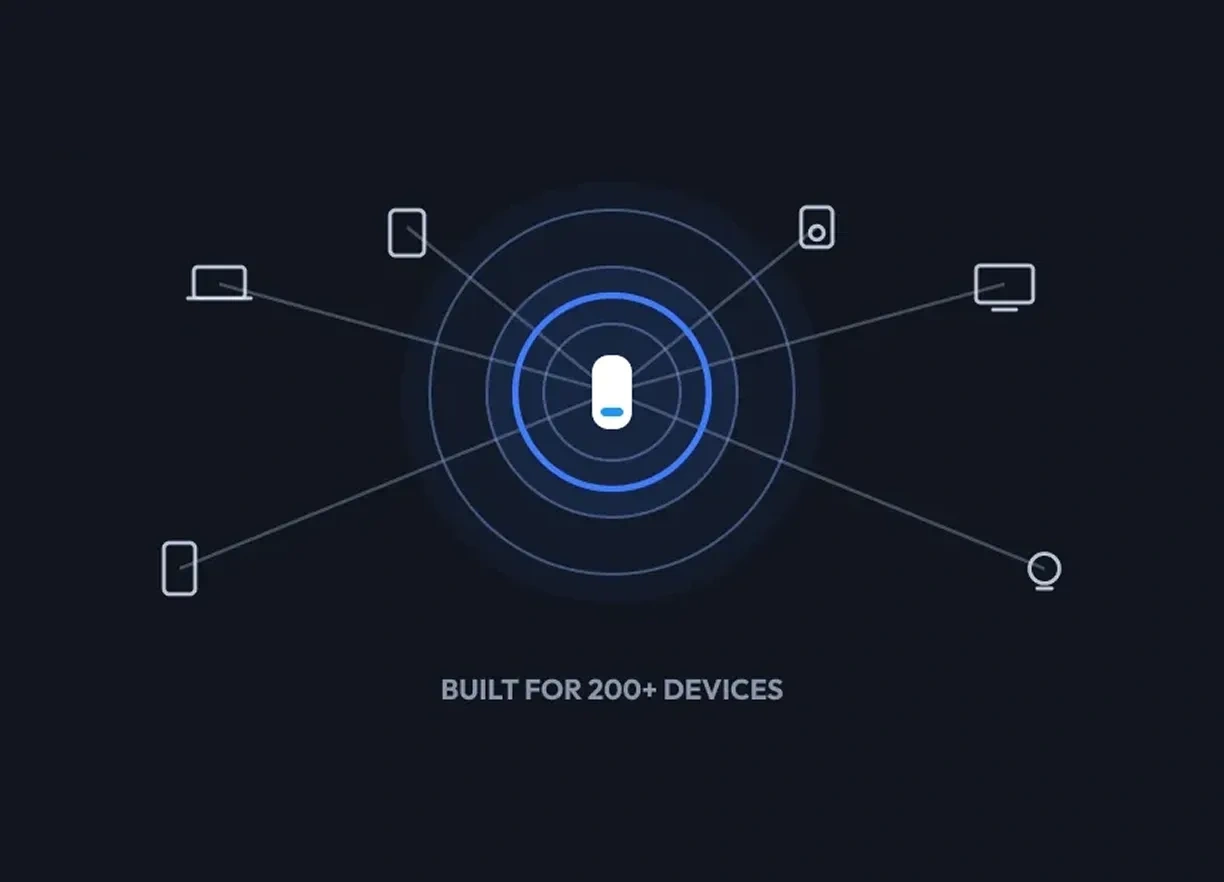
Built for modern connected homes
From streaming and gaming to video calls and smart home devices, mesh WiFi is designed to support more connected devices throughout your home.
Why Mesh WiFi works better than extenders.
WiFi extenders rebroadcast your router's signal as a second, weaker network. A mesh system works as one coordinated network that covers your whole home — no switching, no drop in signal strength.
Two separate networks
A weaker extension of the same signal
Extenders create a second WiFi network by repeating your router’s signal. Since they depend on the router’s connection, performance can drop as distance increases, and devices may need to switch between networks.
One coordinated network
One WiFi network, amplified everywhere
A mesh system broadcasts WiFi from multiple points throughout your home, all working as one network. Because the satellites amplify a single signal instead of copying it, performance stays consistent across larger, multi-story spaces — with no switching between networks.
Ready to stop
patching weak WiFi?
Find the Mesh system built for your home size, coverage needs, and connected devices.
How extenders and mesh actually differ in daily use.
Extenders boost part of your WiFi. Mesh WiFi is designed to cover your whole home.
Network behavior
Moving around the house
Speed at the edge
Setup
Expanding Network
Best for
Ready to buy?
Mesh isn't for everyone. Here's how to tell if it's for you.
Yes, Mesh is worth it if:
- Your WiFi struggles in certain rooms
- You have multiple floors
- Devices disconnect throughout the house
- Your family streams, games, or works online at the same time
- Your backyard, garage, or basement loses signal
- You have 20+ connected devices
- You're connecting a lot of smart-home devices
You may not need Mesh if:
- You live in a small apartment
- Your router already covers your entire space
- You only use a few connected devices
- Your internet needs are very basic
Stop fighting dead zones.
Start getting coverage everywhere.
Answer a few quick questions to find the right Orbi Mesh WiFi system for your space, devices, and coverage needs.
The detail most Mesh systems get wrong.
And Orbi gets right.
Most mesh systems just expand coverage. Orbi is engineered to hold performance steady across your entire home, even with hundreds of devices online at once.
• Dedicated wireless backhaul
Orbi's quad-band systems reserve one full band just for satellite-to-router communication. Helping you get full speed at every node.
• Built for busy homes
Streaming, gaming, work calls, smart devices - all of it can run at once without your network falling over. Orbi handles 200+ device households without breaking a sweat.
• Reliable whole-home coverage
The same strong signal whether you're next to the router or two rooms away. Stable streaming in the basement. Lag-free gaming from the back bedroom. The reason Orbi costs more is the reason it actually works.
WANT THE FULL BREAKDOWN?
Dive deeper into
how Mesh WiFi works.
Looking for a more detailed explanation of Mesh systems, extenders, coverage, and networking basics? Explore our full guide.
What people ask before
switching to Mesh WiFi.
Mesh WiFi doesn’t increase the speed of your internet plan, but it can deliver faster, more consistent WiFi throughout your home. By placing multiple WiFi points around your space, a mesh system helps reduce dead zones and weak connections that can slow devices down when they’re far from a single router.
Yes, in most setups. A Mesh WiFi system includes a main router that connects to your modem, plus one or more satellites that extend WiFi throughout your home. If your internet provider supplied a combined modem/router, you may need to adjust its settings when installing your mesh system.
Usually, yes. A Mesh WiFi system replaces your WiFi router, but it typically still connects to a modem or gateway that provides your internet connection. If your internet provider uses a combined modem/router gateway, your mesh system can generally be connected to it with the appropriate setup.
It depends on the size, layout, and construction of your home. A smaller or medium-size home may only need a router and one satellite, while larger, multi-story homes or spaces with thick walls may benefit from additional satellites. The goal is to place nodes close enough together to maintain a strong connection while extending coverage to the areas that need it.
A WiFi extender typically rebroadcasts the signal from your existing router to improve coverage in a specific area. A Mesh WiFi system uses multiple coordinated WiFi points to create one whole-home network, allowing compatible devices to move between areas without having to manually switch networks. Mesh is generally better suited for broader, more seamless coverage across your entire home.
Yes. A well-designed mesh system can provide a fast, stable connection for gaming, especially in rooms where a single router has a weak signal. For the lowest possible latency, connect your gaming device by Ethernet to the router or a nearby mesh satellite when available. WiFi 7 mesh systems can also provide greater capacity and lower latency for compatible devices.