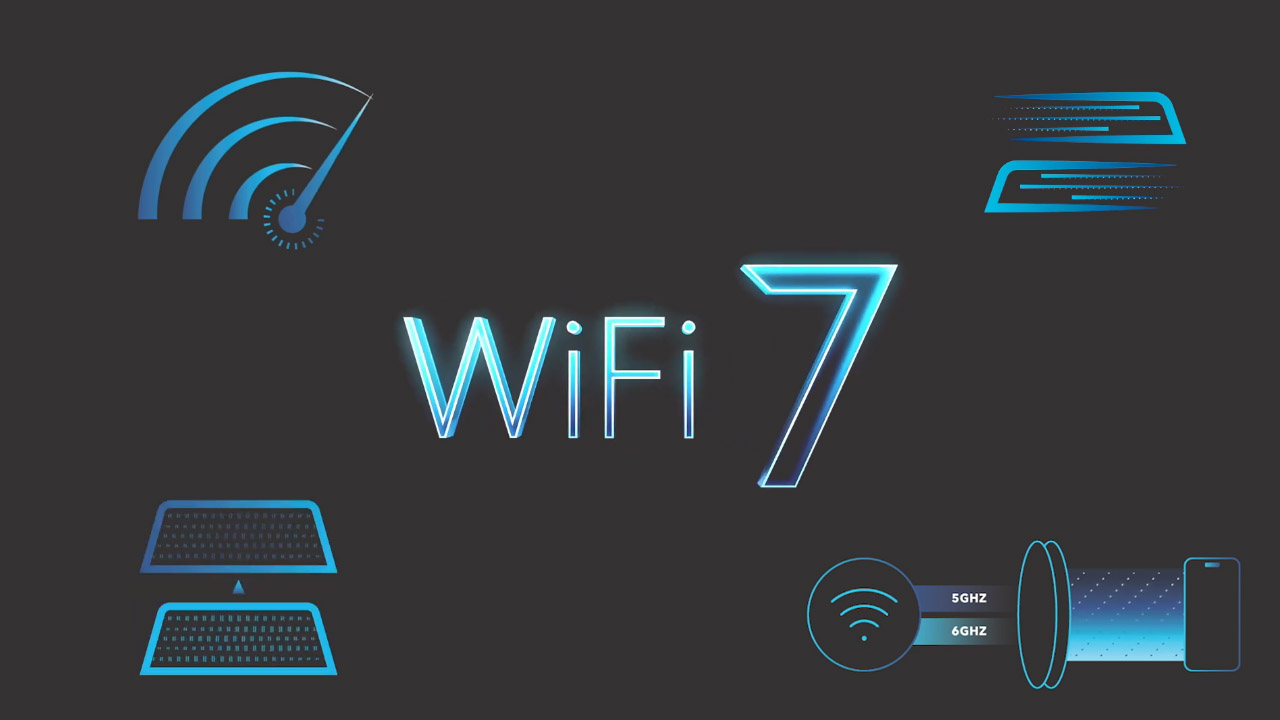
WiFi 7 brings a host of cutting-edge features designed to revolutionize how you connect and experience the digital world.
1. Ultra-Fast Speeds for Seamless Streaming and Gaming
WiFi 7 raises theoretical peak throughput to 46 Gbps (vs. WiFi 6/6E’s 9.6 Gbps), which translates to real-world benefits: multiple simultaneous 4K streams, cloud gaming with minimal lag, and consistent VR/AR performance. Gamers and streamers experience far fewer stalls, while remote workers, video editors, and photographers gain much faster uploads and large file transfers.
Real-world testing shows tangible gains: NETGEAR’s Nighthawk RS700S reached 1.7 Gbps at 15 feet and 691 Mbps at 50 feet, demonstrating WiFi 7’s ability to maintain high throughput across distance.
2. Multi-Link Operation for Enhanced Connectivity and Reliability
Multi-Link Operation (MLO) lets compatible devices use multiple bands (2.4 GHz, 5 GHz, 6 GHz) simultaneously to aggregate bandwidth, reduce latency, and provide automatic failover when a band is congested. MLO improves stability in dense environments (apartments, crowded homes) and keeps calls or games running if one band degrades.
| Traditional WiFi |
WiFi 7 with MLO |
| Single band connection |
Multiple simultaneous bands |
| Vulnerable to interference |
Automatic band switching |
| Fixed bandwidth allocation |
Dynamic bandwidth aggregation |
| Manual band selection |
Intelligent traffic distribution |
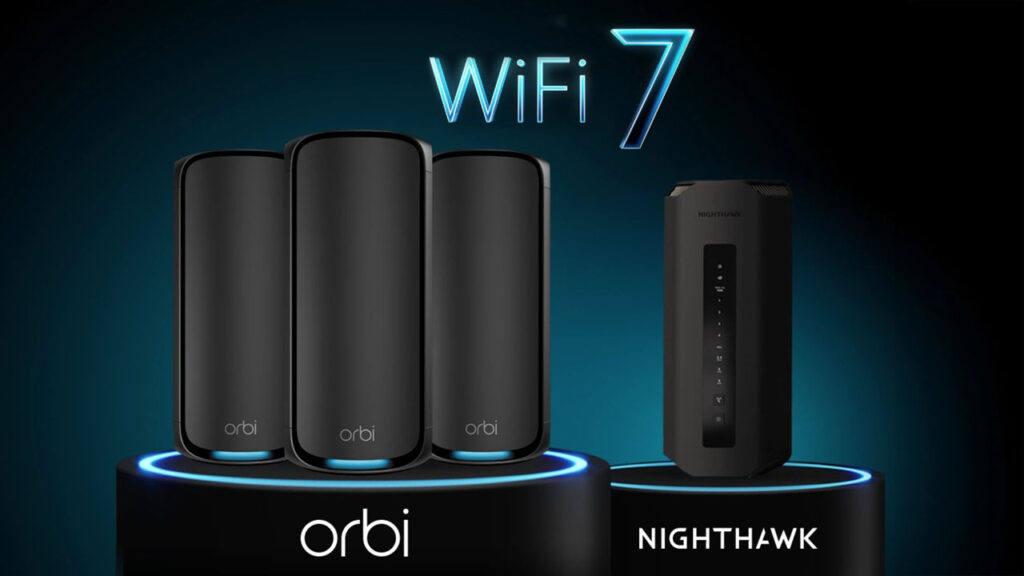
MLO support varies by model; for example, NETGEAR offers MLO on WiFi 7 Orbi mesh systems.
3. Wider 320 MHz Channels for Higher Data Throughput
WiFi 7 doubles maximum channel width to 320 MHz (vs. 160 MHz), increasing per‑stream capacity and enabling higher aggregate speeds for multiple devices. Wider channels reduce contention and help fully exploit multi‑gigabit ISP links.
Designed for high-performance households, NETGEAR’s WiFi 7 routers use 4K-QAM technology to improve data efficiency by 20%, providing faster speeds and up to four times lower latency for demanding activities like gaming, streaming, and remote work.
4. True Tri-Band Support Including the 6 GHz Band
True tri‑band routers broadcast 2.4 GHz, 5 GHz, and 6 GHz simultaneously, giving devices distinct lanes for for devices: 2.4 GHz for long-range IoT devices, 5 GHz for balanced everyday use, and 6 GHz for high-performance activities like 4K streaming and gaming.
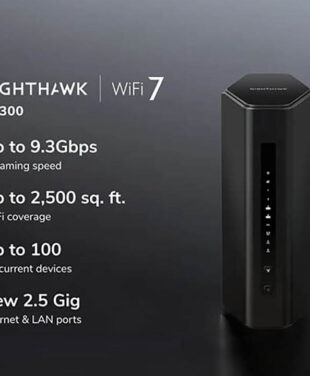
WiFi 7 tri‑band systems can deliver combined throughput up to about 11 Gbps across bands while remaining backward compatible with older WiFi devices. Not all WiFi 7 routers include 6 GHz—look for models explicitly advertising tri‑band support (e.g., NETGEAR Orbi 770 series and above or Nighthawk RS300 and higher); premium Orbi 970 series units add quad‑band operation.
NETGEAR’s WiFi 7 tri-band systems, including the Orbi 770 series and Nighthawk RS300 and above, deliver up to 11 Gbps across bands while remaining fully compatible with older WiFi devices, ensuring seamless integration and top-tier performance for all your connected devices. The Orbi 970 series features a quad-band system with a dedicated 6 GHz band for backhaul, ensuring the other three bands remain fully available for connected devices.
5. Multi-Gigabit Wired Ports for High-Speed Wired Connections
WiFi 7 routers commonly include multi‑gigabit Ethernet (2.5 Gbps, 5 Gbps, 10 Gbps) on WAN and LAN ports so wired devices and the internet uplink aren’t bottlenecked by a single gigabit port. These ports are essential for gaming PCs, workstations, NAS units, and servers that need consistent, low‑latency throughput for large transfers or streaming.
| Port Type |
Speed |
Best Use Cases |
| 2.5 Gbps |
2.5x gigabit |
Gaming PCs, streaming devices |
| 5 Gbps |
5x gigabit |
Workstations, high-end NAS |
| 10 Gbps |
10x gigabit |
Servers, enterprise/backbone links |
WiFi 7 blends high-speed wired and wireless capabilities for a seamless, versatile network that ensures stability and flexibility across devices.
6. Extensive Coverage to Connect More Devices Without Dead Zones
WiFi 7 mesh systems extend coverage and device capacity, eliminating dead zones and managing many simultaneous connections—leading mesh examples claim coverage up to ~4,600 sq ft and support for around 200 devices. Mesh nodes form a single seamless network so devices roam without reconnecting to separate SSIDs.
Mesh is preferable to simple extenders because it preserves a unified network and smart handoffs; WiFi 7’s higher capacity prevents low‑power smart devices from degrading performance for high‑priority traffic.
| Coverage Scenario |
Recommended Solution |
Device Capacity |
| Small apartment (< 1,500 sq ft) |
Single WiFi 7 router |
50–75 devices |
| Medium home (1,500–3,000 sq ft) |
2-node mesh system |
100–150 devices |
| Large home (3,000+ sq ft) |
3+ node mesh system |
150–200+ devices |
7. Advanced Gaming Optimizations for Low Latency and Traffic Prioritization
WiFi 7 routers combine hardware and software features for gaming: QoS to prioritize gaming packets, latency reductions up to fourfold versus WiFi 6/6E, and dedicated backhaul links in mesh systems so gaming traffic doesn’t contend with other wireless traffic. Many gaming‑oriented WiFi 7 models also include parental controls, security suites, and mobile apps for easy traffic management and monitoring. Together, these features keep interactive applications responsive under load.
The Future of Connectivity with WiFi 7
WiFi 7 routers combine hardware and software features to enhance gaming, streaming, work, and everything in between. With QoS to prioritize gaming packets, latency reductions up to four times better than WiFi 6/6E, and dedicated backhaul links in mesh systems to separate gaming traffic from other wireless activity, these routers deliver top performance. Many gaming-oriented WiFi 7 models also offer parental controls, security suites, and mobile apps for easy traffic management and monitoring. These features ensure seamless performance and responsiveness, no matter the task.
FAQs
What are the key benefits of WiFi 7 over previous WiFi standards?
With peak speeds of up to 46 Gbps, 320 MHz channels, and latency reductions of up to four times, WiFi 7 enables greater device capacity, and features like MLO that improve reliability in congested environments.
How does Multi-Link Operation improve speed and stability?
MLO aggregates simultaneous links across bands and provides automatic failover, increasing throughput and preventing drops or lag when a single band becomes noisy or congested.
Can a WiFi 7 router support older WiFi devices?
Yes—WiFi 7 routers remain backward compatible with WiFi 5, 6, and 6E devices, so you can upgrade the router without replacing existing clients
How do wider channels impact real-world WiFi performance?
Wider 320 MHz channels double peak per‑stream capacity versus 160 MHz, enabling faster multi‑device performance and reducing congestion, especially when paired with 4K‑QAM and sufficient spectrum (like 6 GHz).
Is it worth upgrading to a WiFi 7 router now if my devices don't support it yet?
Yes—upgrading can improve overall network management, coverage, and capacity today while future‑proofing your home for forthcoming WiFi 7 devices, so you won’t need another router upgrade when new clients arrive.